Deep Module Workflows for Pakistani Housing Societies
Capital Estate PK modules operate as connected workflows — not isolated screens. When a plot transitions from Available to Booked, installment schedules generate automatically, documents attach to the plot card, dealer commissions calculate, and marketplace listings update on listing.capitalestatepk.com. This expansion guide walks through each module's operational depth for societies managing Marla and Kanal inventory across Punjab, Sindh, and KPK. Review plan limits by tier and our ERP pillar guide for regulatory context.
Plot Management and GIS Inventory Workflow
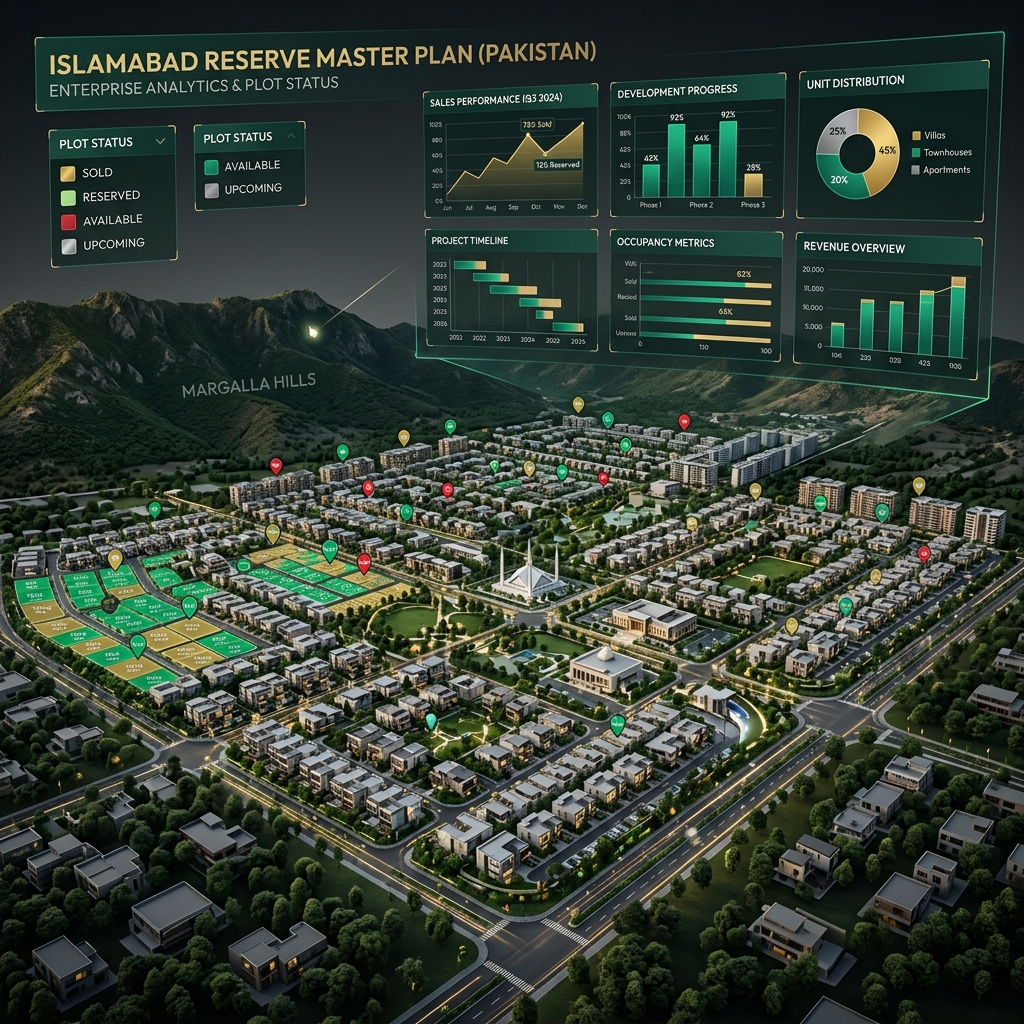
Plot inventory is the foundation every downstream module depends on. Societies define sectors, blocks, and plot numbers with Marla or Kanal sizing, corner premiums, park-facing flags, and main-road designations. Status tracking — Available, Reserved, Booked, Sold, Transferred — enforces locks that prevent two agents from closing the same plot. Block-wise availability reports replace manual register lookups that previously took back-office staff hours to compile.
GIS-aware inventory supports large gated communities where visual master plans guide sales conversations. Transfer histories maintain chain of custody from original booking through secondary market sales, with each transfer generating fee calculations and document requirements. Leadership dashboards aggregate availability by sector, price band, and size category — enabling data-driven release decisions instead of intuition-based block openings.
Booking Workflow and Allotment Generation
Numbered bookings tie customers, sales agents, and plots with multi-step approval gates. Down payment, processing fees, society charges, and remaining balance auto-calculate based on configured pricing rules including corner and size premiums. Allotment letters and booking forms generate with society branding, replacing manual Word templates that drift out of sync with current fee structures.
Approval workflows route bookings through sales managers before status changes commit — eliminating the scenario where a junior agent marks a plot Sold without manager verification. Overseas buyer blocks and dealer-sourced leads integrate into the same workflow, with commission fields populated at booking confirmation rather than reconciled months later in disputed spreadsheets.
Installment Ledger and Recovery Operations
Remaining balances split into scheduled installment rows on booking confirmation — monthly, quarterly, or custom cadences matching society policy. Each payment posts against specific installment rows with receipt image attachments supporting bank transfer, cheque, cash, JazzCash, and EasyPaisa methods. Partial payments allocate correctly across overdue and current rows without manual ledger adjustments.
Defaulter dashboards surface overdue accounts immediately — recovery teams chase clients on day one, not after month-end Excel exports reveal gaps leadership should have seen weeks earlier. WhatsApp and SMS reminders on Professional and Enterprise plans automate follow-up sequences. Recovery KPIs track team performance: contacts made, amounts recovered, and aging bucket trends. This module alone typically delivers measurable ROI within the first billing cycle after go-live.
Customer CRM and Dealer Network Management
Customer records store CNIC, phone, email, overseas status, nominee details, and interaction history across bookings and transfers. Dealer and agent profiles include inventory visibility controls — some dealers see full society availability while others see assigned blocks only. Commission tracking calculates at booking confirmation with payout status visible to finance teams.
Marketplace leads from listing.capitalestatepk.com land in CRM automatically, connecting online inquiries to plot cards without manual data entry. Sales managers assign leads to agents with activity logging that supports performance reviews and dispute resolution when multiple agents claim the same customer relationship.
BOQ and Construction Cost Control
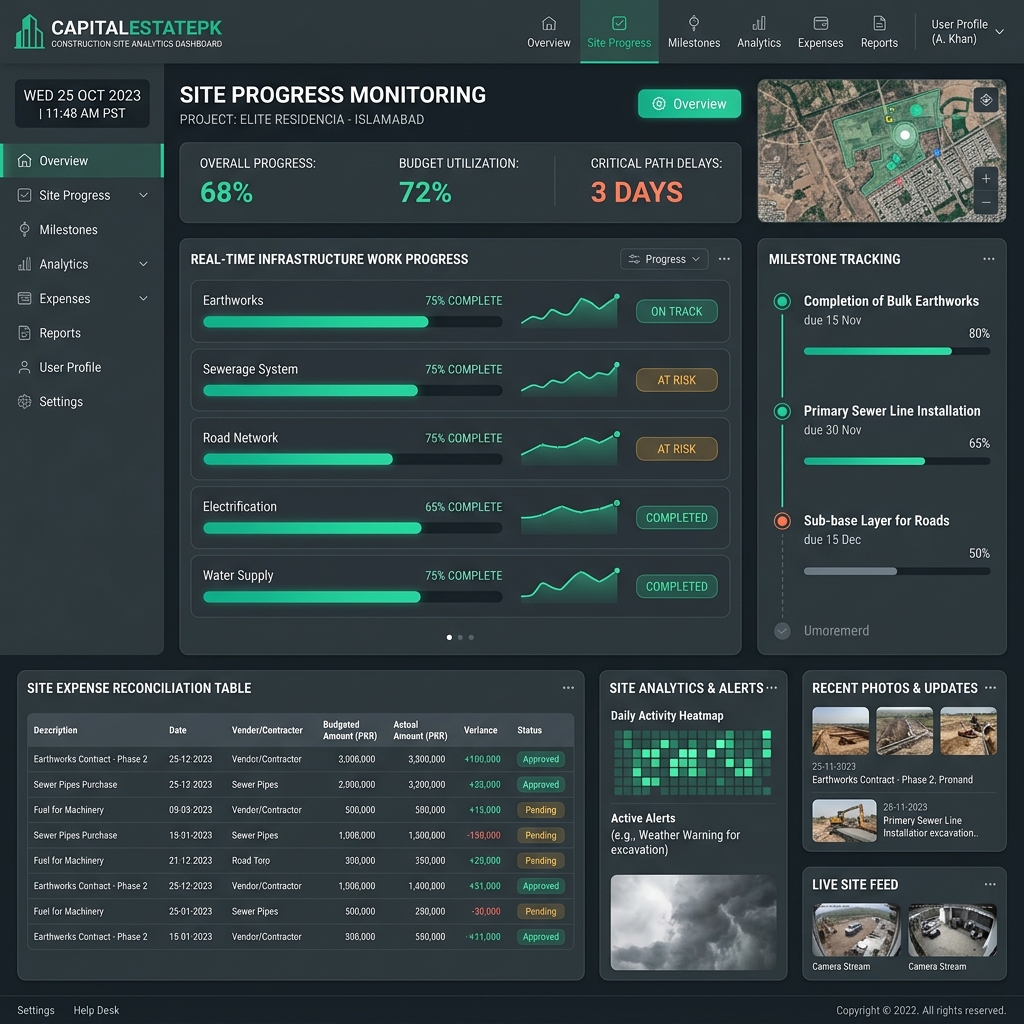
Construction modules estimate grey structure, finishing, MEP, and labor per unit — cement bags, steel tons, tile square feet, electrical points, and mason days. Reusable templates support horizontal society home construction and vertical per-floor repeating units. Vendor contracts link to BOQ line items; milestone completions trigger cost postings against project budgets.
Finance compares estimated BOQ totals against actual vendor payments, surfacing variance before it becomes a society-wide construction shortfall. Rate revisions apply once across all active projects when material prices shift — eliminating the error-prone process of updating separate Excel sheets per block. Read our BOQ calculator guide for Pakistan-specific methodology and unit definitions.
Document Vault and Audit Reporting
Plot-linked document storage holds CNIC copies, booking forms, allotment letters, transfer agreements, NOC references, and payment receipts with role-based access controls. Finance users export audit-ready reports supporting FBR reconciliation and SECP disclosure preparation. While ERP is not a substitute for qualified legal counsel, it eliminates the document chaos that makes compliance expensive and error-prone.
Immutable audit trails log every status change, payment posting, and document upload with user attribution and timestamps — critical when member associations or regulatory reviewers request historical records spanning years of phased development.
Module Workflow FAQ
Do modules share data automatically?
Yes. Plot status changes cascade to installments, documents, CRM records, and marketplace listings without manual re-entry.
Can I enable modules progressively?
Yes. Societies commonly go live with plot, booking, and installment modules first, then add BOQ and marketplace sync in phase two.
Which plan includes BOQ?
BOQ modules are available on Professional and Enterprise plans. See pricing for tier comparison.